01
Say it in one line.
“A storm tower obby with checkpoints.”
ObbyTycoonHorrorSimulatorPvP
Chips fill the sentence for you. The words stay in the popup until you match a sample.
 rbxmake
Chrome extension for Roblox ideas
rbxmake sits in a Chrome popup. You describe the place you want, it matches a sample, and you save a minimal .rbxlx. The fun of building the world still happens in Studio.
A Chrome extension for creators who start an idea here and finish the world in Studio.
What you can do today
01
“A storm tower obby with checkpoints.”
Chips fill the sentence for you. The words stay in the popup until you match a sample.
02
Keywords pick the closest card from a fixed set. Miss the words, and you still get a blank starter name.
03
How it works
Download the zip, unzip it, and load the folder with Developer mode on.
Open rbxmake and write the mood, genre, or a chip you already like.
The popup lines up a sample and a starter file you can carry into Studio.
Open the .rbxlx locally. Publishing on Roblox is still your step.
Inside the popup
Describe an idea, match a sample, and keep the project in the browser.
rbxmake
Ready when you are
Add a short idea first.
Projects you keep show up here.
Inspiration
Public Roblox experiences. rbxmake did not build them and cannot export them.

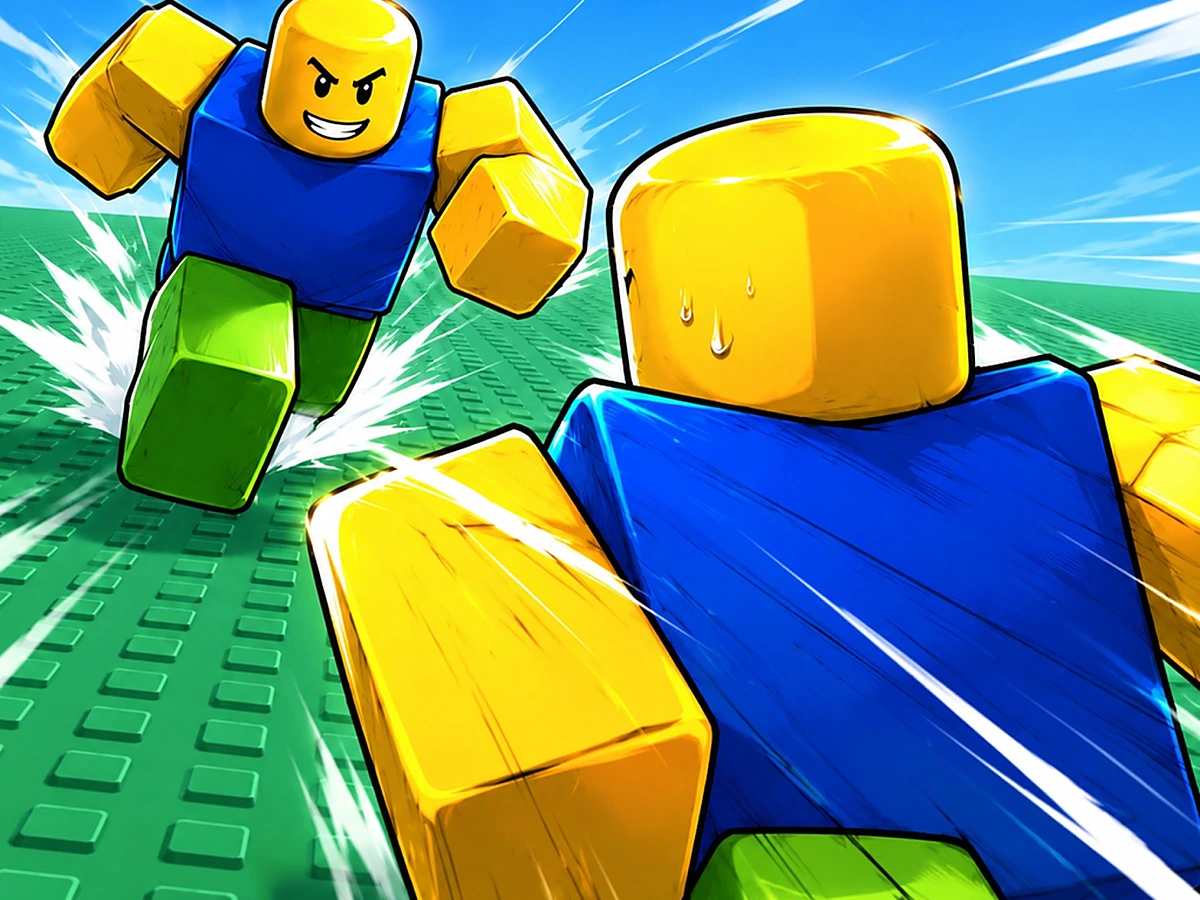
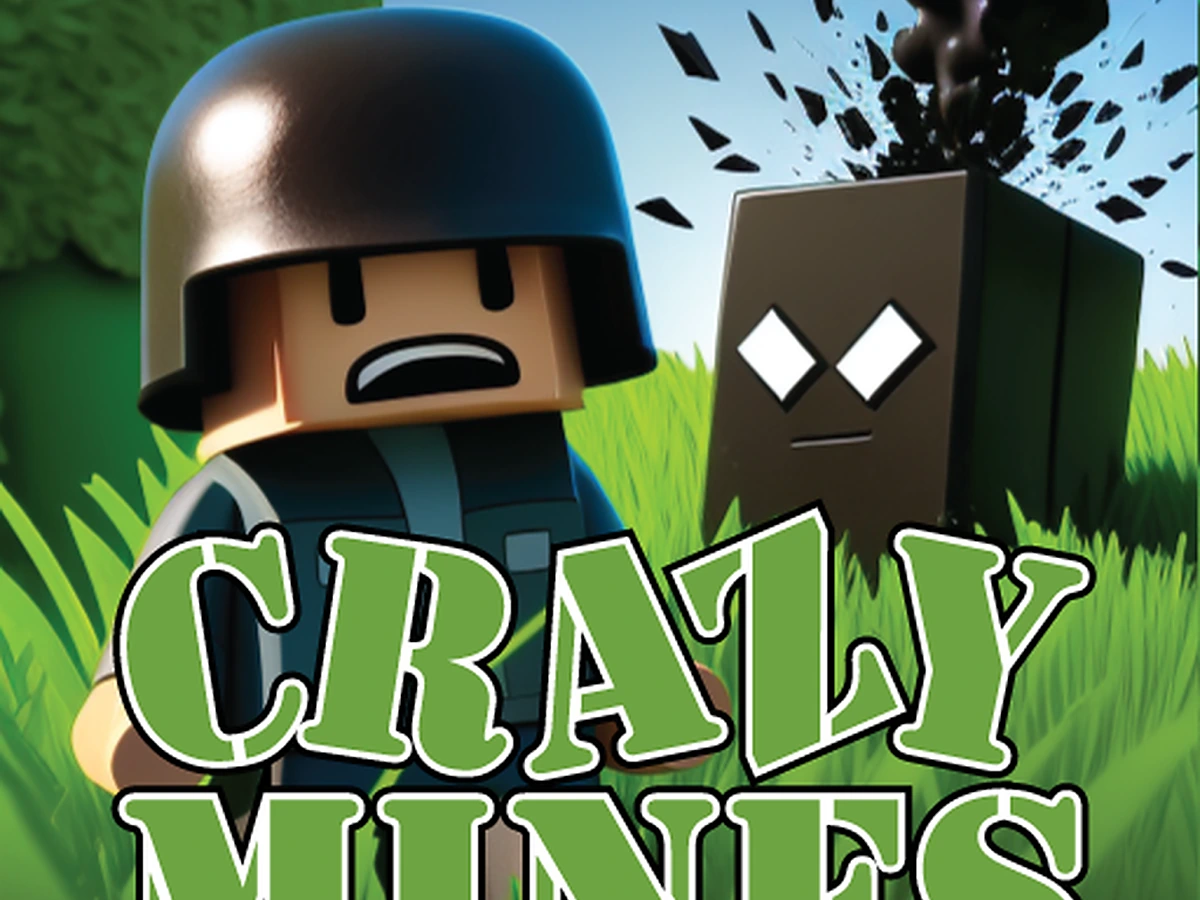
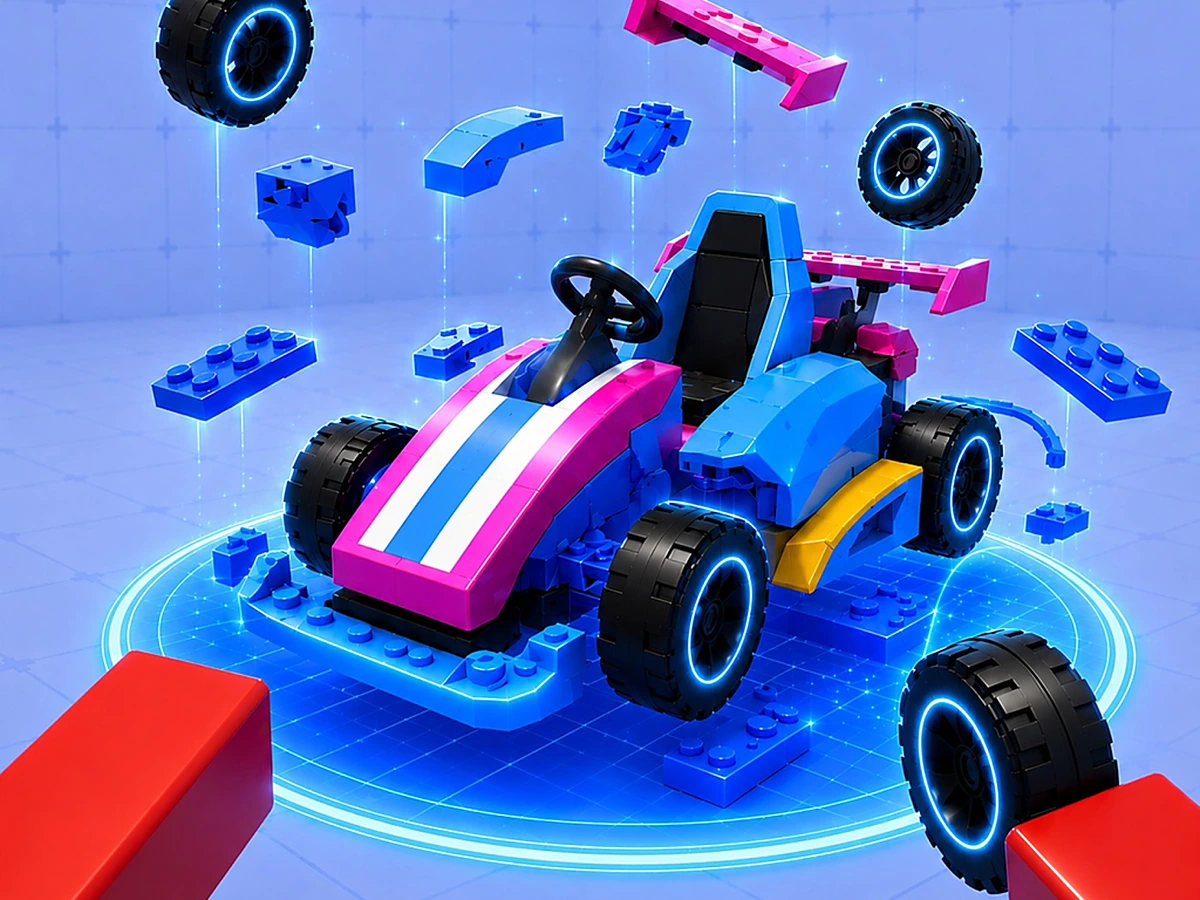
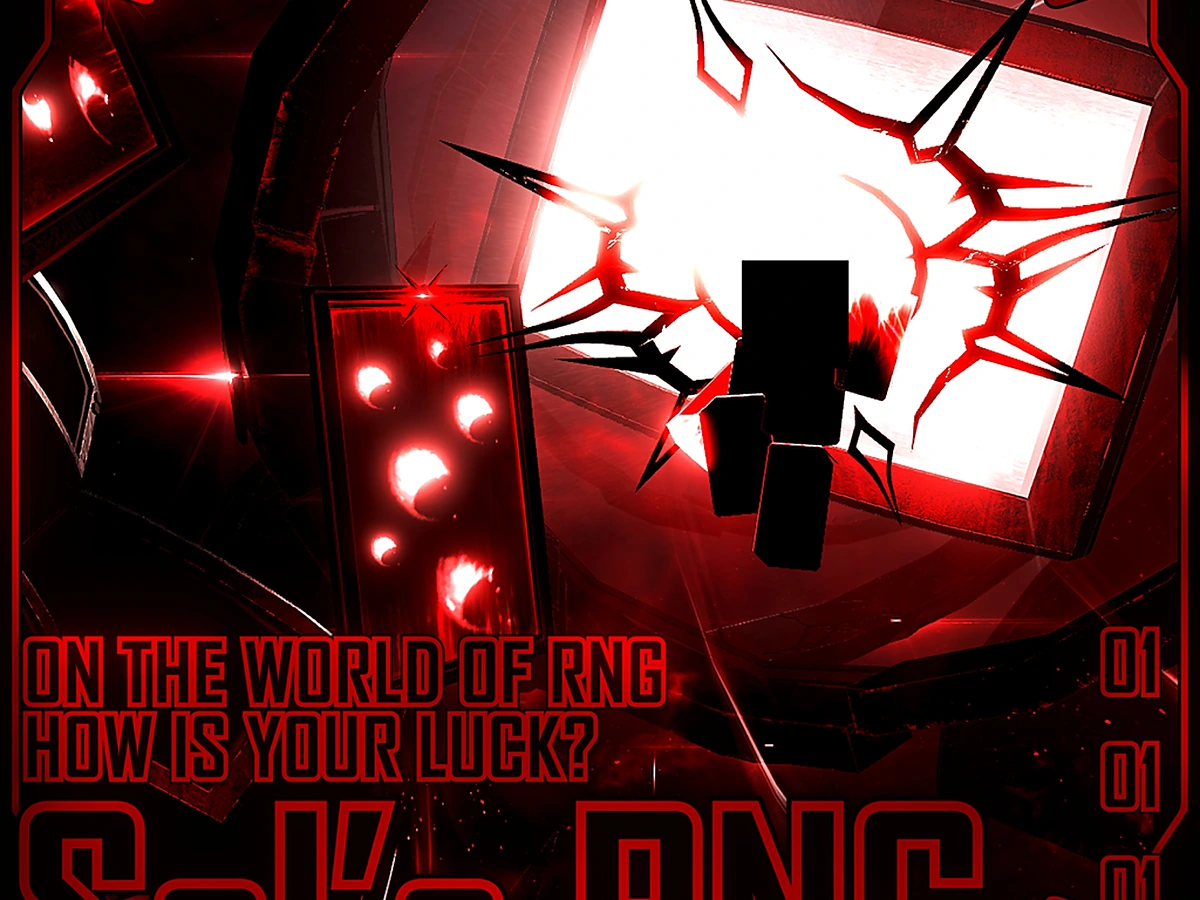
Independent of Roblox Corporation. Names and icons belong to their owners.
Questions
A Chrome extension for Roblox creators. You describe a place, shape a sample, and take a starter file into Studio.
Toward AI-assisted world creation for Roblox. This build focuses on the creator flow you can use today: idea, sample, starter file, and a project list on your machine.
Only to open the .rbxlx. The extension does not publish anything to Roblox.
Download the zip, unzip it, turn on Developer mode, and load the unpacked folder.
Everything you type is only used to match and generate your Studio starter file. rbxmake never asks for your Roblox login, password, or account data.
No. Roblox marks belong to Roblox Corporation. What you publish still follows their terms.
Open the popup, match a sample, and keep building in Studio.